
You upload a crisp, well lit selfie, type a simple request, and the AI hands back a person who is almost you. Same haircut, same general vibe, but the nose is wrong, the eyes sit too far apart, and the jaw belongs to a cousin nobody has met.
Spend a week pushing portraits through AI editors and generators and that near miss becomes the most predictable part of the whole process. The face drifts, every time, in roughly the same ways. The useful thing to know is that the drift is not random, and it is not a flaw you are stuck with. AI tools change faces for a short list of technical reasons, and each reason has a fix that holds up in real work. What follows is why it happens, then seven fixes that keep a face recognizably yours, ordered from the single change that solves most cases to the heavier options for when the likeness has to be exact.
| The short version. Most face drift comes from two things working together: the AI is rebuilding your photo from scratch rather than editing it, and nothing in the process is told to protect your identity. Turn the rebuild strength down, give the model a real identity reference, and the face stops wandering. Everything below is detail on those two levers and the smaller ones around them. |
Why AI changes your face
Six things cause almost all of it. Usually more than one is working at the same time.
1. It rebuilds, it does not retouch An AI editor does not paint over your photo the way a person would. It compresses the image into a dense block of numbers, a kind of mathematical summary, then paints a brand new picture to match that summary. Fine identity details, the exact spacing of your eyes or the curve of your lip, are the first things lost in the summary. The result looks like your description, not your face. |
2. Faces slide toward an average These models learned from millions of faces, and that training pulls every output gently toward a statistical middle. Skin gets smoother, features get more symmetrical, proportions get more conventional. That is why AI so often makes people look younger and slightly generic. It is not flattering you, it is reaching for the most probable face, and the most probable face is an average one. |
3. The rebuild strength is too high In image to image tools there is a setting called denoising strength, sometimes labeled image weight or transformation strength. It controls how much freedom the model has to repaint. Set high, the model treats your photo as a loose suggestion and invents the rest. A large share of botched faces trace back to this one slider sitting far too high for a portrait. |
4. Nothing holds your identity in place A plain generation model has no concept of who you are. It knows what a face looks like in general, not what your face looks like specifically. Without a dedicated identity signal added on top, no part of the pipeline has the job of keeping the output matching you. The model is free to drift because nothing told it not to. |
5. Restorers invent the detail they fix Tools that sharpen or restore faces, and the face stage inside many upscalers, do not recover your real features. They generate plausible new ones. Eyelashes, pores, and teeth that were soft get replaced with crisp inventions that may belong to someone else. Run a face through an aggressive restorer and the likeness often takes the hit at the exact moment the image looks sharpest. |
6. The source photo never stood a chance If your face is small in the frame, poorly lit, turned to the side, or buried under a heavy filter, there is very little identity information to hold on to. Low resolution is the quiet killer. When a face occupies a few hundred pixels, there are not enough details to preserve, so the model fills the gaps with guesses. |
Match the symptom to the cause
Before changing anything, read what the output is actually doing wrong. The fix is usually obvious once the cause is named.
| What you are seeing | Most likely cause | Fastest fix |
| Sort of you, but clearly off | Rebuild strength too high | Lower denoising to roughly 0.2 to 0.45 |
| Younger, smoother, generic | Pull toward the average face | Add an identity reference, reduce guidance |
| Great until the final sharpen | Restorer inventing detail | Lower restorer weight or skip it |
| Only the face is wrong, scene is fine | Whole image regenerated | Mask the face and inpaint only |
| Wrong in every attempt | No identity anchor, weak source | Use a face adapter and a better photo |
| Worse when the prompt is detailed | Prompt describing the face | Remove facial descriptors from the prompt |
7 fixes that actually work
1 Turn the rebuild strength down first Before touching anything else, find the denoising or transformation strength and bring it down. For keeping a face intact, the useful band sits roughly between 0.2 and 0.45. Low values stay close to the original and change little. Push past the middle and identity starts to slip. Aim for the lowest value that still makes the edit you wanted. This single change resolves more face complaints than anything else, which is why it comes first. Best for: any editing workflow Effort: seconds |
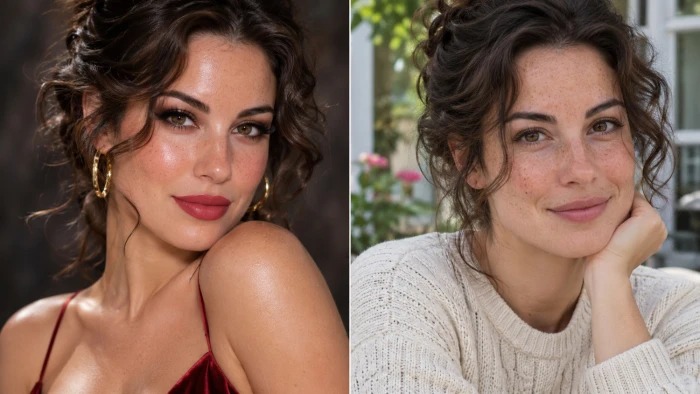
2 Give the model an identity reference Identity adapters exist specifically to solve this. Tools such as IP-Adapter FaceID and InstantID take a photo of your face and feed it into generation as a signal the model has to respect, separate from the prompt. Dedicated face swap nodes like ReActor go further and transplant your features onto the finished result. Instead of hoping the model remembers you, you hand it your face and require it to use it. Best for: new scenes, same you Effort: moderate, one time setup |
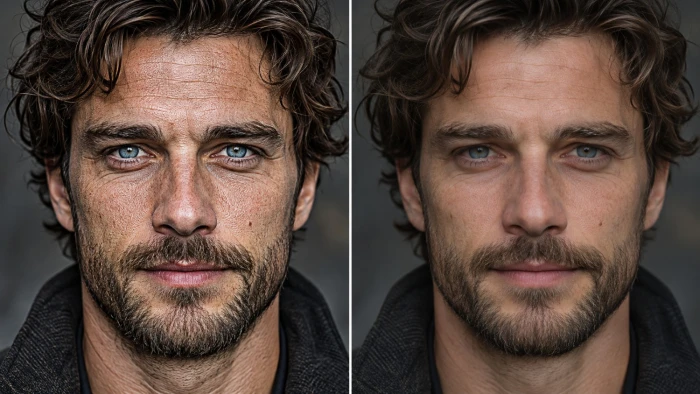
3 Train a small personal model For true, repeatable likeness across many images, nothing beats a lightweight personal model, usually a LoRA. Feed it fifteen to thirty varied photos of the same face, with different angles, lighting, and expressions, and it learns your specific features rather than a generic stand in. The payoff is consistency: once trained, every generation starts from a model that already knows you. It costs the most time up front and returns the most reliable result. Best for: a recurring character Effort: high, one time |
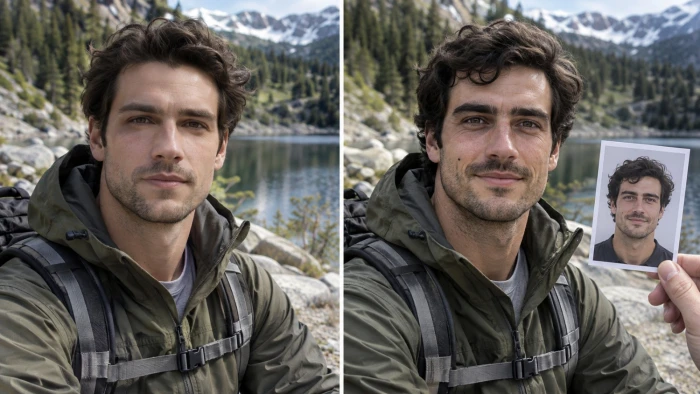
4 Fix the source before blaming the model A clean input does half the work. Use the highest resolution photo available, with even front lighting, the face large in the frame, eyes open, a neutral or gentle expression, and no heavy beauty filter already baked in. If the only photo is small or soft, upscale it carefully first so the model has real detail to protect. Weak input produces a stranger no matter how good the settings are. Best for: every workflow Effort: low |
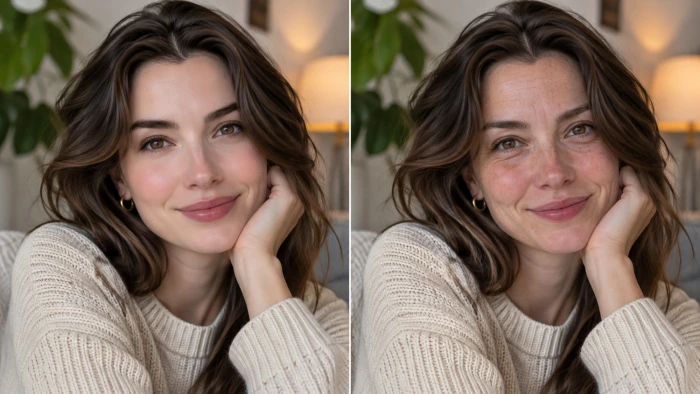
5 Edit only the face by masking When the scene is right but the face is wrong, there is no reason to regenerate the whole image. Use inpainting with a mask so the model only touches the area you select, or invert it to change the background and clothing while the face stays frozen. Masked editing is the difference between adjusting one part of a picture and rolling the dice on the entire thing. Best for: outfit or background swaps Effort: low to moderate |
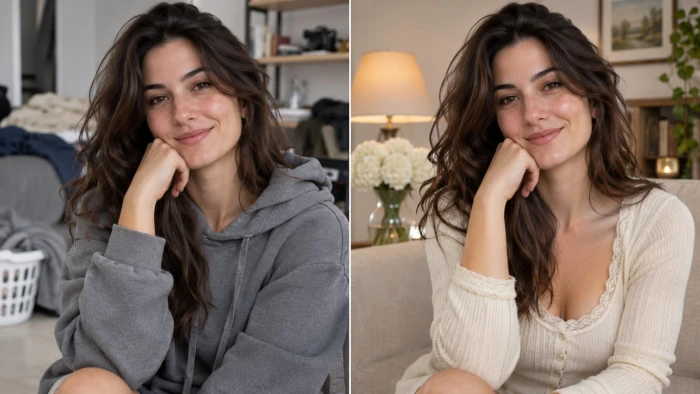
6 Go light on restoration and upscaling If a face restorer is part of the pipeline, treat it with suspicion. Lower its strength, and where a fidelity control exists, such as the one in CodeFormer, set it toward preserving the original rather than maximizing sharpness. Better still, swap a blunt restorer for a face aware detailer run at low rebuild strength, which cleans up the face without reinventing it. Sharp and wrong is worse than soft and right. Best for: any sharpen or enlarge step Effort: low |
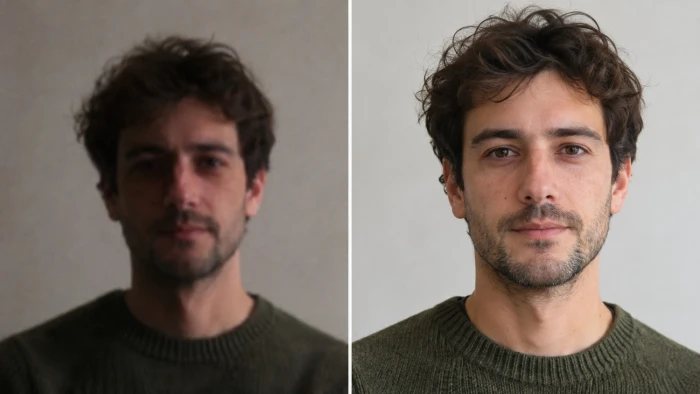
7 Stop describing the face in the prompt Every facial adjective competes with the real face. Words like beautiful, youthful, sharp jawline, or big eyes push the output toward those words and away from you. Strip the prompt down to pose, scene, style, and clothing, and let the reference carry identity. Lowering the guidance or CFG value helps too, since it loosens the model’s grip on the prompt and lets your face come through. Best for: reference based generation Effort: seconds |
How the methods compare
Different jobs call for different fixes. This is where each one earns its place.
| Method | Likeness strength | Effort | Best when |
| Lower rebuild strength | Moderate | Seconds | You just want edits to stop drifting |
| Identity adapter | Strong | Moderate | New scenes, one subject, light setup |
| Personal model (LoRA) | Strongest | High | Many images or a recurring character |
| Better source photo | Supporting | Low | Always, as a baseline |
| Masked inpainting | Strong for edits | Low to moderate | Scene is fine, face needs a touch up |
| Light restoration | Supporting | Low | Any sharpening or upscaling step |
The order that works in practice
1. Start with a strong source photo. 2. Keep the rebuild strength low. 3. Add an identity reference or a face swap. 4. Mask the face for any targeted edit. 5. Keep facial descriptors out of the prompt. 6. Restore and upscale gently at the very end. 7. If this comes up often, train a personal model once. |
What to expect, honestly
Holds up well • Keeping an edited photo close to the original • One subject across a themed set of images • Fixing a face without touching the scene • Everyday likeness that reads as clearly you |
Still rough • Results that are identical pixel for pixel • Tiny faces in busy group shots • Extreme style changes that fight realism • Fine detail pulled from very low resolution |
Final verdict
After enough hours inside these tools, the pattern is hard to miss. Almost every wandering face comes down to the same two causes: the model is rebuilding the image with too much freedom, and nothing in the process is protecting the identity. Fix those two and the rest is polish. Pull the rebuild strength down, hand the model a real reference through an adapter or a face swap, and feed it a clean photo, and faces that used to arrive as strangers start arriving as you.
The heavier options earn their place only when the stakes rise. A trained personal model is worth the setup for a recurring character or professional work, and masked inpainting is the quiet hero for edits where the scene is already right. What does not work is hoping a detailed prompt will carry a likeness on its own, or trusting an aggressive sharpener at the finish line. Treat identity as something you actively hold in place rather than something the model will remember, and keeping your face the same stops being a fight.

Join the discussion